The best web hosting for beginners
We may earn a commission when you sign up through our links, at no extra cost to you. It never changes our rankings or the prices we show. How we make money.
If it's your first website, the best host is the one that gets out of your way: a clear dashboard, one-click WordPress, free SSL that just works, and support that explains things without jargon. This list ranks hosts by our ease of use score, then overall rating.
Hostinger, Bluehost and Kinsta score highest for ease; WordPress.com removes the server entirely. Every card shows what you'll pay after the intro price: the most common surprise for first-time buyers.
At a glance
| # | Host & plan | Intro | Renews | 3-yr cost |
|---|---|---|---|---|
| 1 | Kinsta Single 35k | $29.17 | $29.17 | $1,050 |
| 2 | Rocket.net Starter | $25 | $25 | $900 |
| 3 | Hostinger Premium | $2.99 | $10.99 | $108 |
| 4 | WordPress.com Personal | $2.75 | n/a | $99 |
| 5 | Bluehost Starter | $3.99 | $9.99 | $144 |
| 6 | ChemiCloud Starter | $1.95 | $11.95 | $70 |
| 7 | SiteGround StartUp | $2.99 | $17.99 | $468 |
Our picks
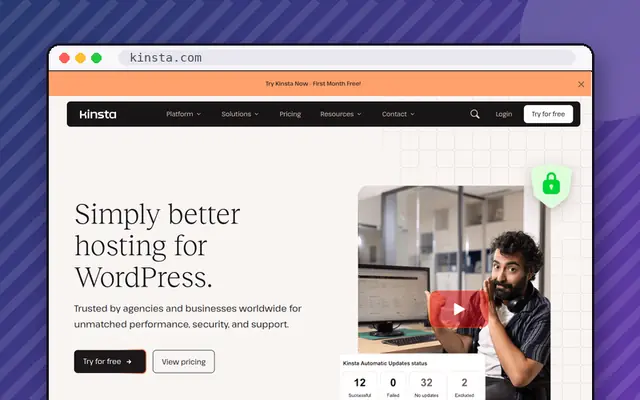
Single 35k plan
Business WordPress sites where speed and support justify the price.
- 30-day money-back
- Backups: Daily, 14-30 days retention

Starter plan
WordPress sites that want fast global delivery with flat pricing.
- 30-day money-back
- Backups: Daily

Premium plan
Beginners and small sites that want the lowest upfront cost and an easy panel.
- 30-day money-back
- Free domain
- Backups: Weekly on Premium; daily on Busin…
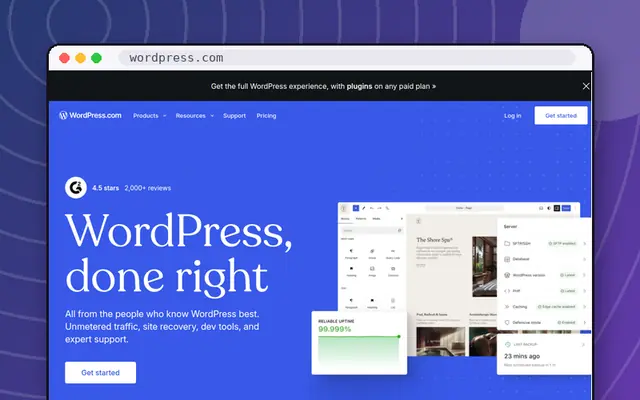
Personal plan
Bloggers and small businesses who never want to touch a server.
- "No-questions-asked" refund policy (days not st…
- Free domain
- Backups: Real-time on Business and up

Starter plan
WordPress beginners who want a familiar name and modest renewal prices.
- 30-day money-back
- Free domain
- Backups: Weekly

Starter plan
Small sites outside the US that want a nearby data center.
- 45-day money-back
- Free domain
- Backups: Daily (10-30 days retention)

StartUp plan
WordPress sites that value support, speed tools and daily backups, and can live with high renewals.
- 30-day money-back
- Free domain
- Backups: Daily, 30 days of history
Your first website in five steps
- Pick a plan that allows enough sites (one is fine to start) and includes a free domain if you don't have one.
- Choose the shortest prepay you're comfortable with. The longest term is cheapest per month, but it's a big commitment for a first project.
- Install WordPress with the host's one-click installer, or use a site builder if you'd rather drag and drop.
- Turn on SSL and backups: most hosts do this automatically.
- Write down the renewal date and the renewal price.
Mistakes beginners make
Buying every add-on at checkout, paying for four years of a host they've never used, and forgetting that the "free" domain renews at full price after year one. Use the money-back window to make sure you like the dashboard and support.
Frequently asked questions
What is the easiest web host for beginners?
Hostinger's hPanel and Bluehost's WordPress-first setup are the most beginner-friendly shared hosts. WordPress.com is even simpler because there's no hosting to manage at all.
Do I need to know how to code?
No. With WordPress or a site builder you can build a complete site without code. The host handles the server.
How long should my first hosting plan be?
One year is a sensible first commitment. You'll pay a little more per month than on a 3-4-year term, but you can switch if the host isn't right for you.